Settings
Update your flag's configuration including maintainer, name, description, and tags. All changes require a comment to maintain clear documentation.
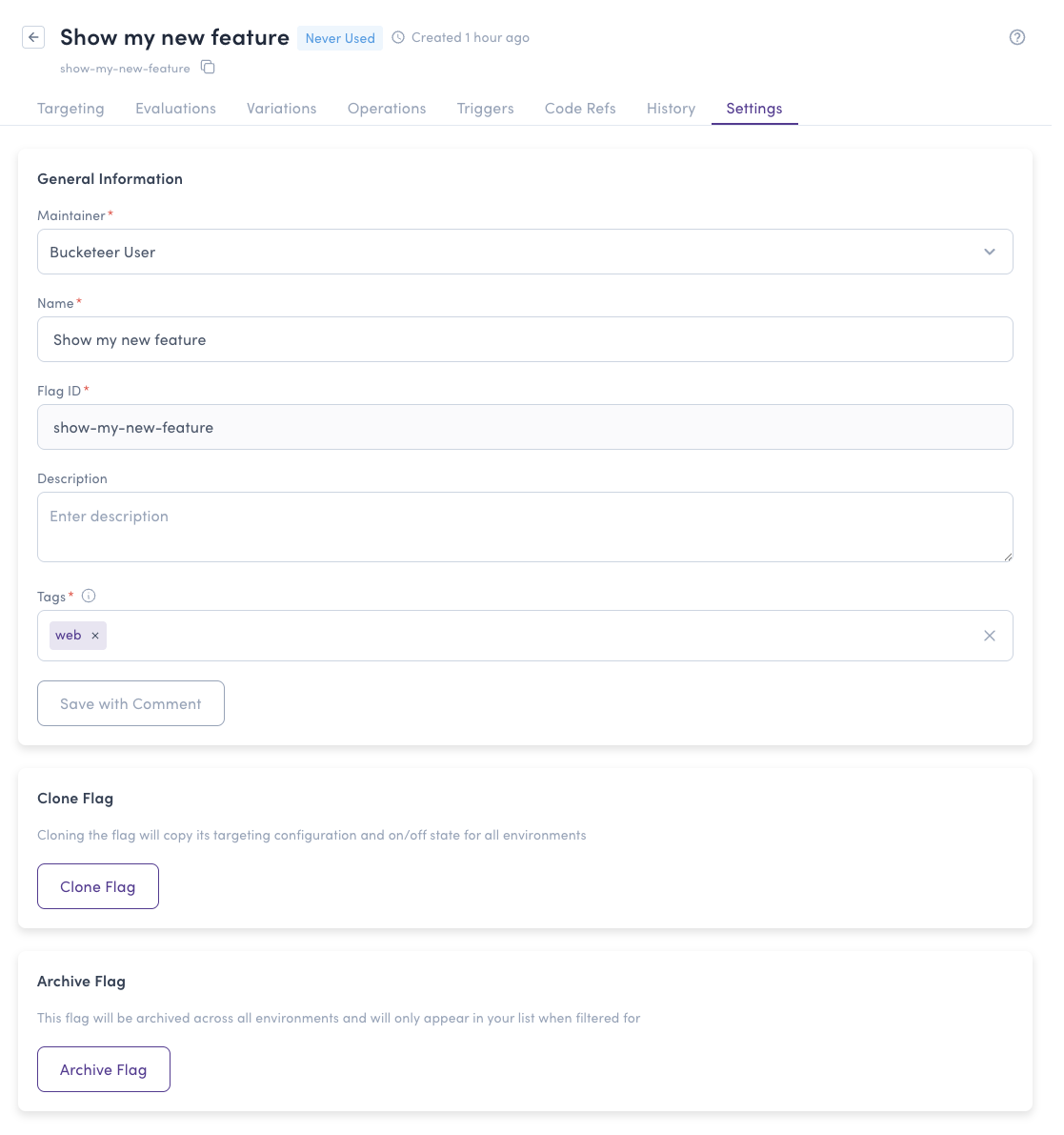
Clone Flag
Creates a copy of the flag in one or more other environments. Select the origin environment and then every destination environment you want the flag copied to. Bucketeer reports the result of each destination separately, so if the flag already exists in one environment, the remaining environments are still cloned.
The cloned flag keeps the original flag's variations, individual targeting, OFF variation, and default rule. Note the following differences from the original flag:
- The clone is always created in the OFF state, even if the original flag is on. Turn it on when the destination environment is ready.
- Prerequisites are not copied, because they reference flags that may not exist in the destination environment.
- Targeting rules that reference another flag or a user segment are not copied, for the same reason. Rules based only on user attributes are copied.
After cloning, review the new flag's targeting in the destination environment and add back any prerequisites or segment-based rules it needs.
Archive Flag
Archives the flag in the current environment. Archived flags only appear when the Archived filter is selected in the flag list.