Projects
Projects are the primary organizational unit in Bucketeer. Each project contains multiple environments (such as Development, Staging, and Production) where you manage your feature flags, experiments, and user segments.
Hierarchy Structure
Organization
└── Project (e.g., "Mobile App")
    ├── Development Environment
    ├── Production Environment
    └── [Additional Environments...]
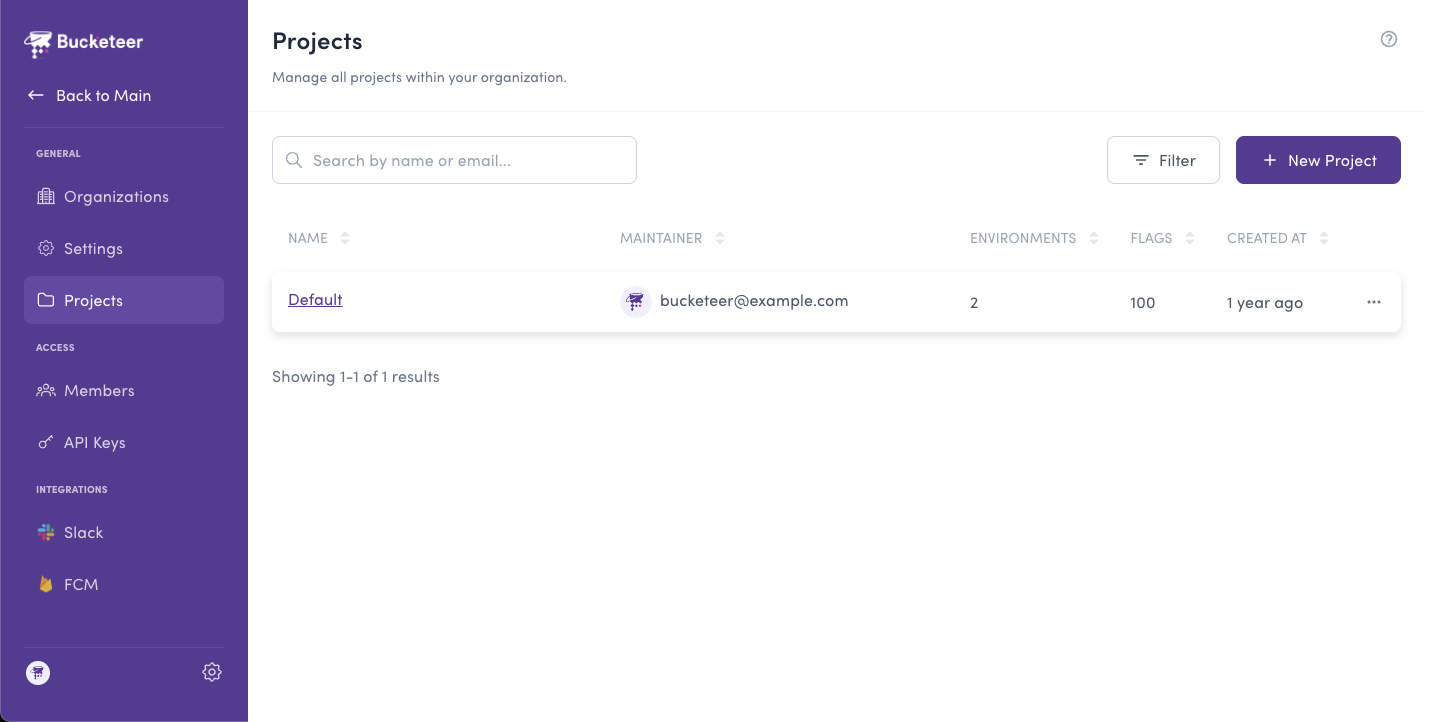
Accessing Projects
- Click the gear icon at the bottom of the left sidebar
- Select Projects from the General section
Creating a Project
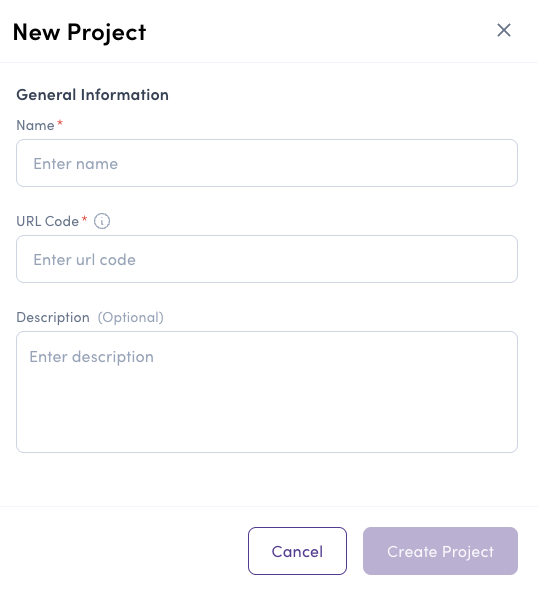
To create a new project:
- Navigate to the Projects page in Organization Settings
- Click the + New Project button
- Fill in the project information:
- Name - A descriptive name for your project
- URL Code - A unique identifier (auto-generated from name, cannot be changed later)
- Description (Optional) - Additional context about the project
- Click Create Project
Default Environments
When you create a project, Bucketeer automatically creates two environments:
- Development - URL Code:
development - Production - URL Code:
production
You can create additional environments after the project is created.
Managing Projects
Updating a Project
To update an existing project:
- Click on the project in the projects list
- Modify the Name or Description (URL Code cannot be changed)
- Click Update Project
Disabling a Project
You can disable a project to temporarily prevent access:
- Click on the project to edit
- Toggle the project status to Disabled
- Confirm the change
When a project is disabled, all its environments become inaccessible. Feature flags in disabled projects will not be evaluated.
Permissions
Only Organization Admin and Organization Owner roles can create or modify projects. Projects do not have their own permission roles - access is controlled by organization roles and environment-specific roles.
System Admins have read access to every project in the organization, even if they are not added as members of those projects. This ensures they can see all projects while write permissions still depend on explicit member roles.
Related Topics
- Settings - Configure organization details
- Members - Manage team member access and roles
- Feature Flags - Create and manage feature flags in your environments