Invite a Member
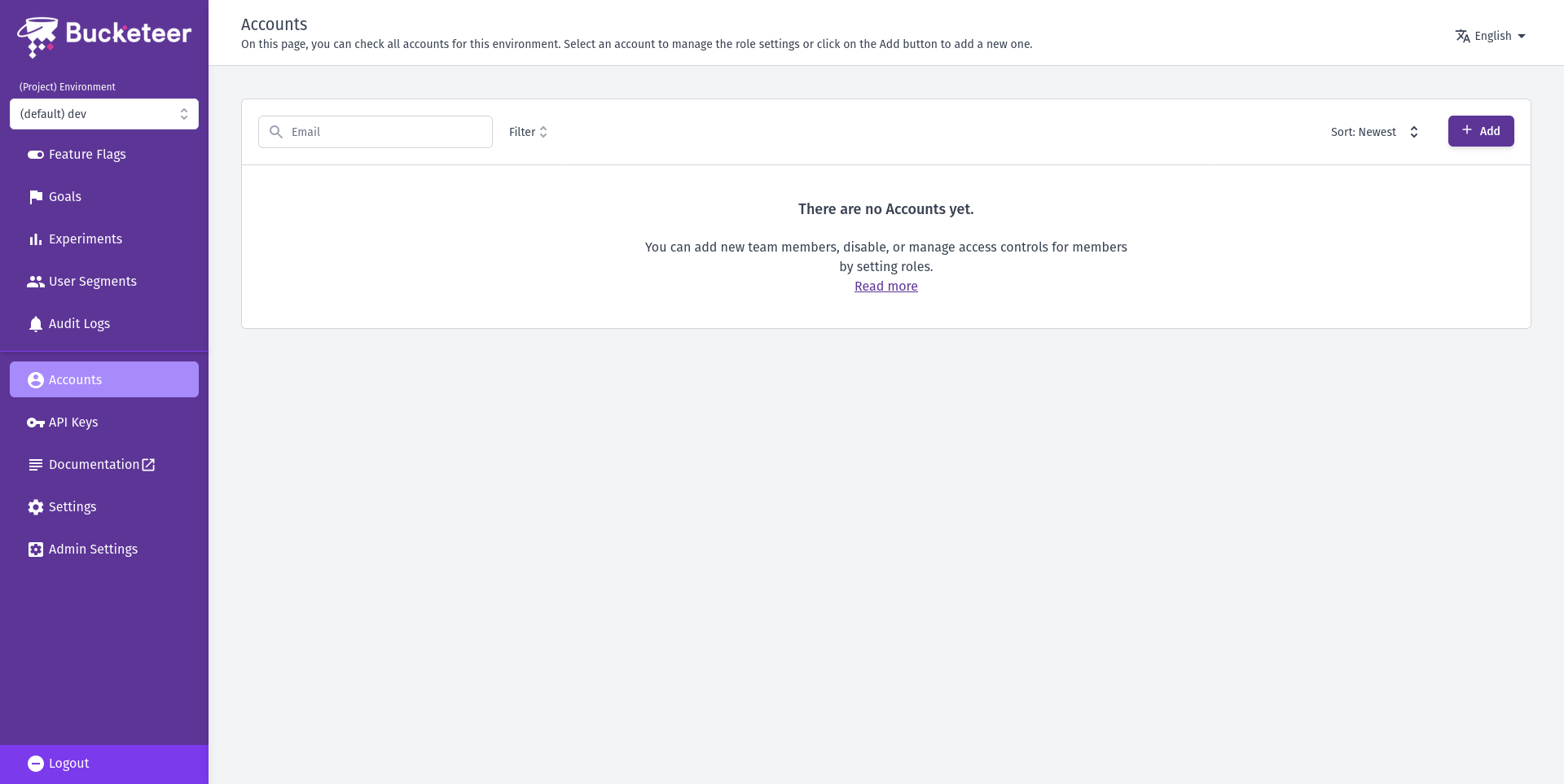
To begin using Bucketeer, team members need to be invited to your organization. Organization Admins and Owners can invite new members and assign them appropriate roles and environment access.
If you're a new team member, ask your organization administrator to invite you.
Inviting a Member
The following steps show how to invite a member as an Admin or Owner:
- Click on the gear icon on the bottom of the sidebar menu.
- Select Members from the Access section.
- Click + Invite Member button.
-
Enter the new member's email and define their role.
TeamsYou can create teams and assign members to it.
Use teams to group members, making it easier when listing them on the list page.
Member RoleWhen you assign the Member role, the user can only access the environments you explicitly choose. These users are unable to create or update organization settings, projects, environments, or manage organization-level resources like API keys and members.
-
Click Invite Member to send the invitation.
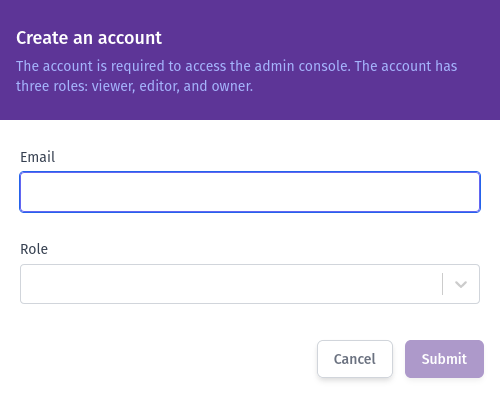
The user will receive an email invitation that includes a link to access the dashboard.