Settings
The Settings page allows you to configure your organization's basic information, including the organization name, URL code, description, and owner email.
Accessing Organization Settings
- Click the gear icon at the bottom of the left sidebar
- Select Settings from the General section
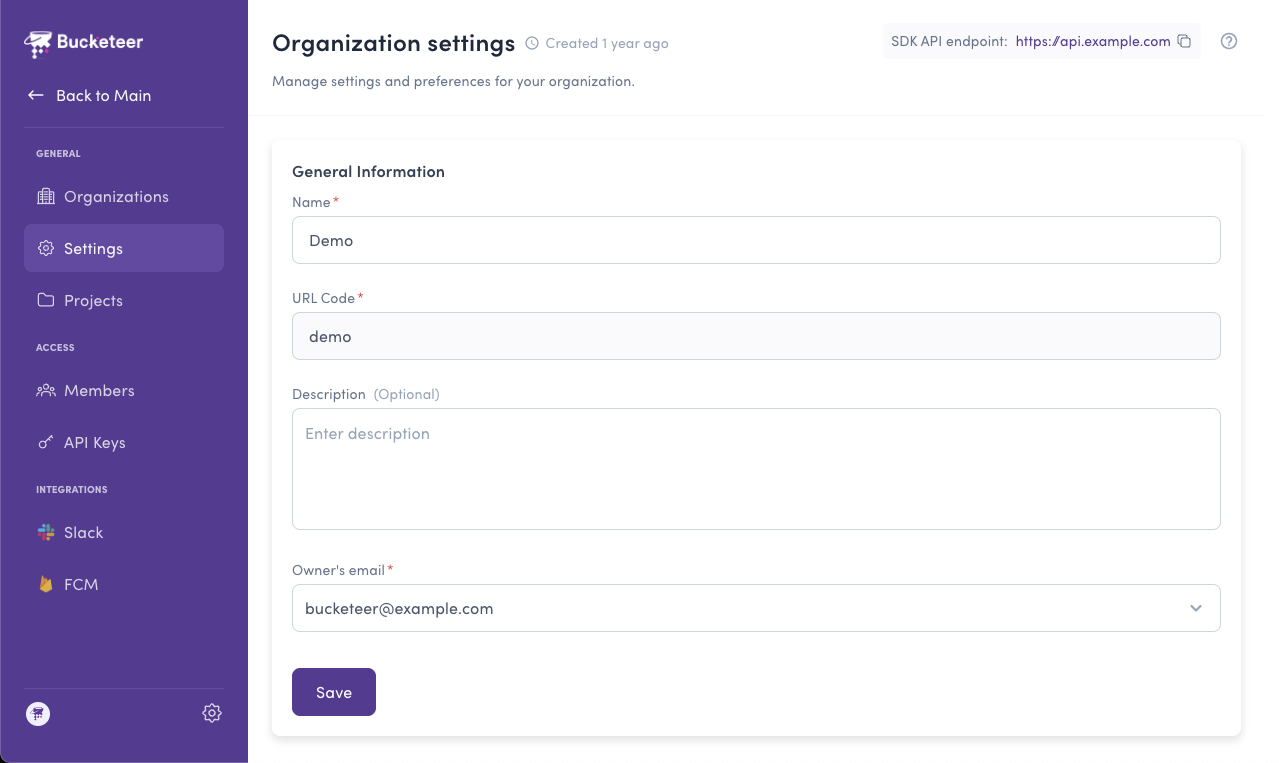
Updating Settings
To update your organization settings:
- Navigate to Settings from the settings menu
- Modify the fields you want to update (Name, Description, or Owner Email)
- Click the Submit button
Permission Required
Only users with Organization Admin or Organization Owner roles can modify organization settings.
URL Code Cannot Be Changed
The URL Code is a permanent identifier that cannot be modified after organization creation.